
Today is the first day of a new half term and a seven week countdown to summer: my favourite time of year!
I’ll be sharing some highlights from the month gone by and telling you about our latest feature: Texting on LogiqBoard.
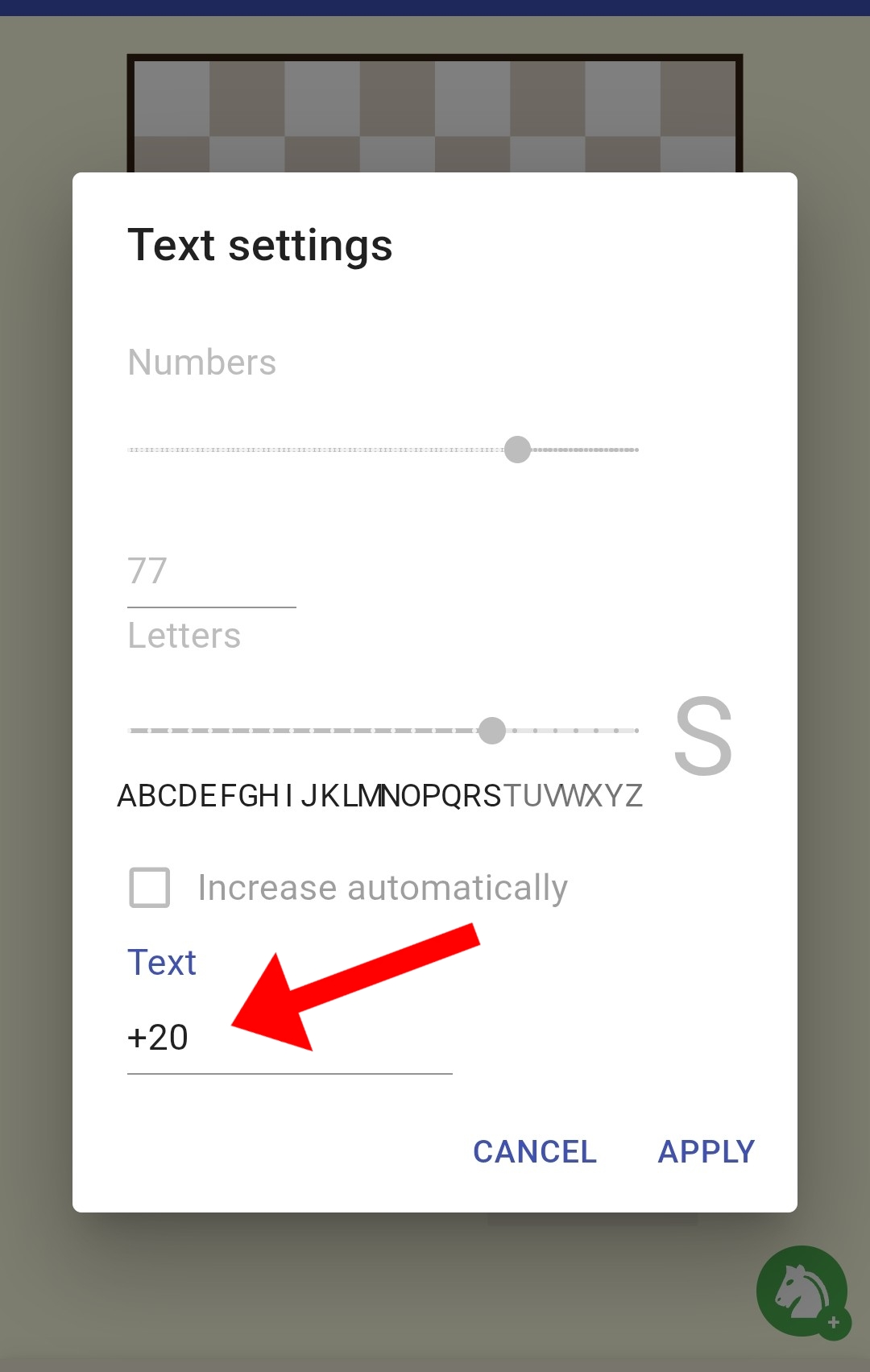
To access our new Texting feature find the numbers and letters icon from the toolbox on our main page.
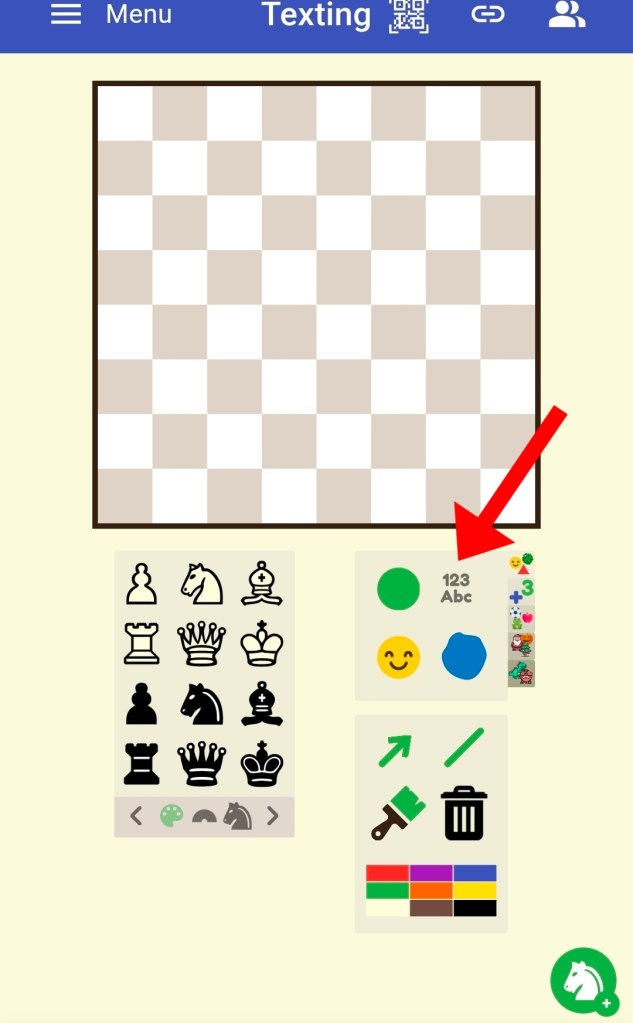
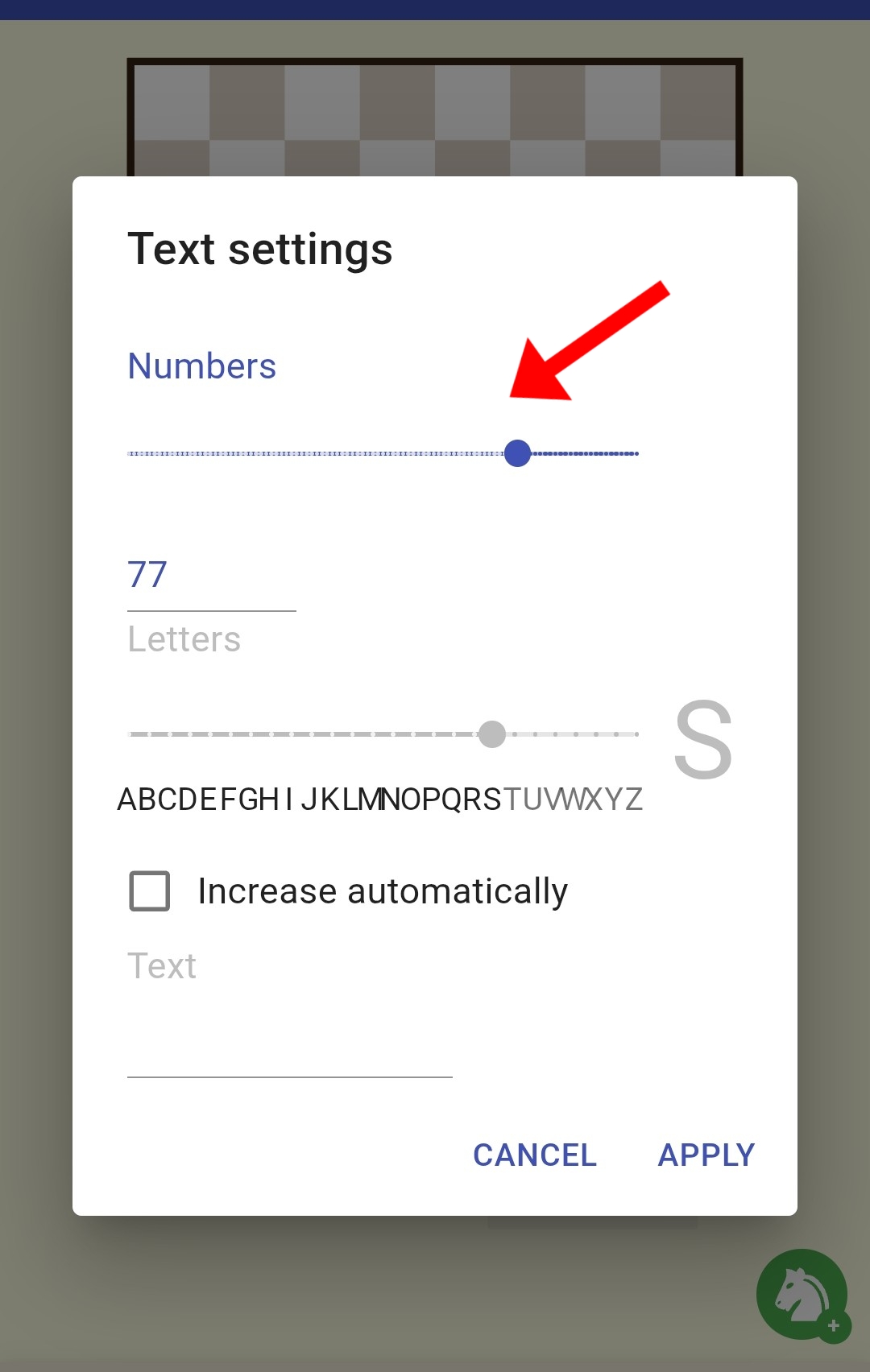
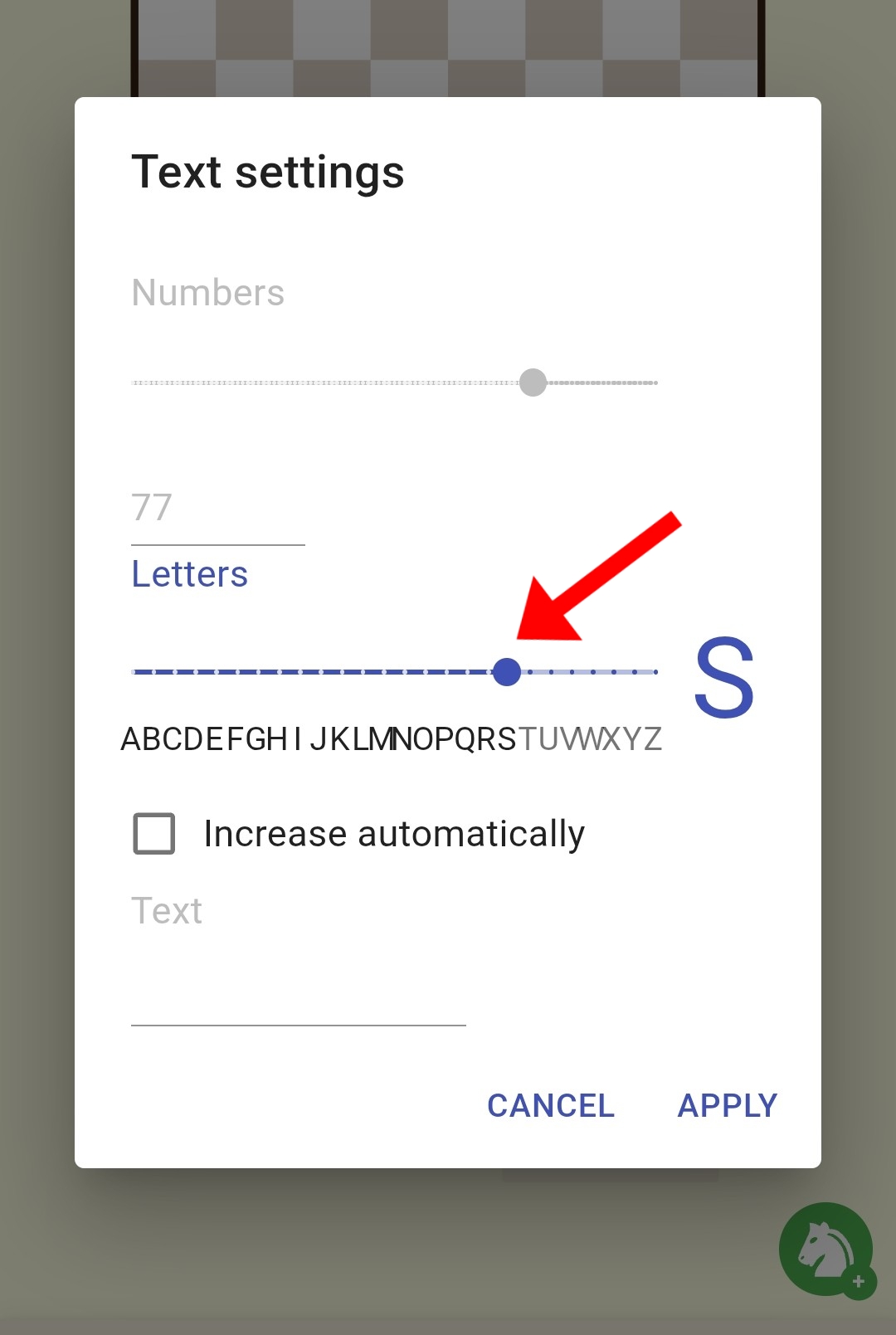
Click here and decide if you’d like to use only numbers (including negative numbers!), only letters selected from the alphabet or the latest feature where you can type exactly what you want.
Think of this feature as texting on your phone, you have words and emoji’s at your fingertips!
Some tasks to inspire
Here are some of the tasks I’ve created.
Mazes
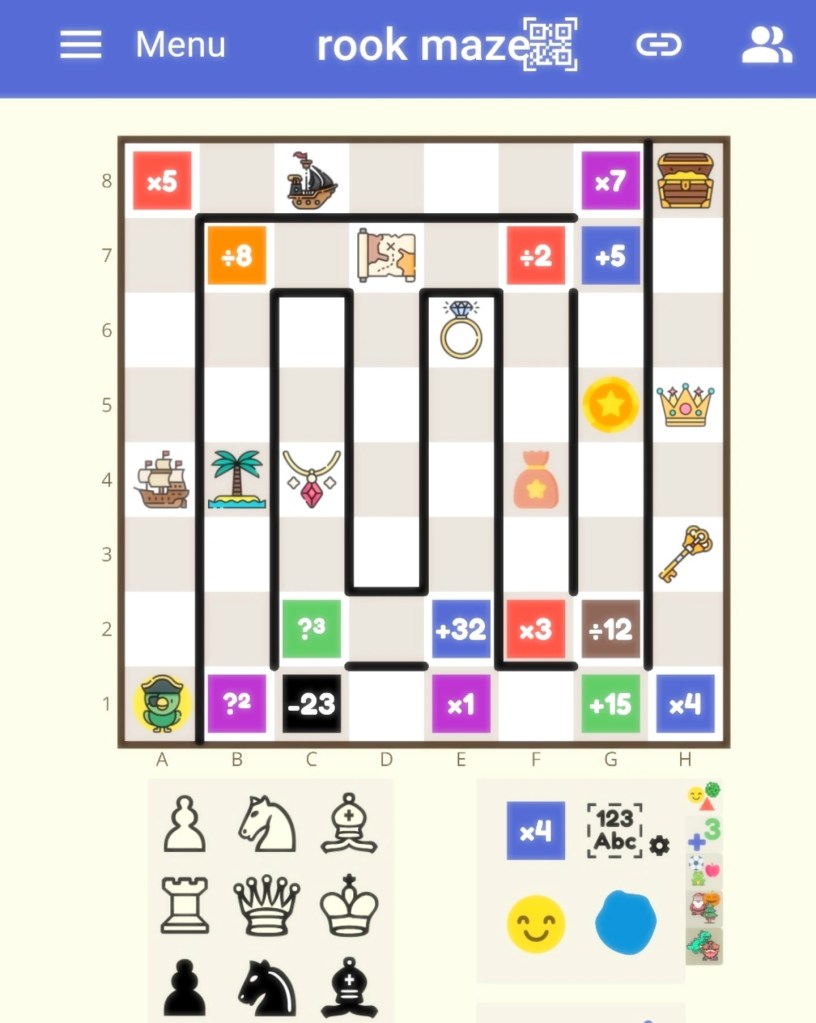
Texting allows teachers to create more exciting mazes with different chess pieces.
In the maze below, I added a range of mathematical operations. Students can find a route for the lowest total, greatest total or a specific total. Ask students to find fractions of numbers, percentages or explore positive and negative numbers.
In the maze below, Parrot the Pirate moves like a rook. Parrot begins the maze with a value of 1, he needs to find the route that makes a total of 100 as he reaches the treasure chest. 🦜
Learning Co-ordinates
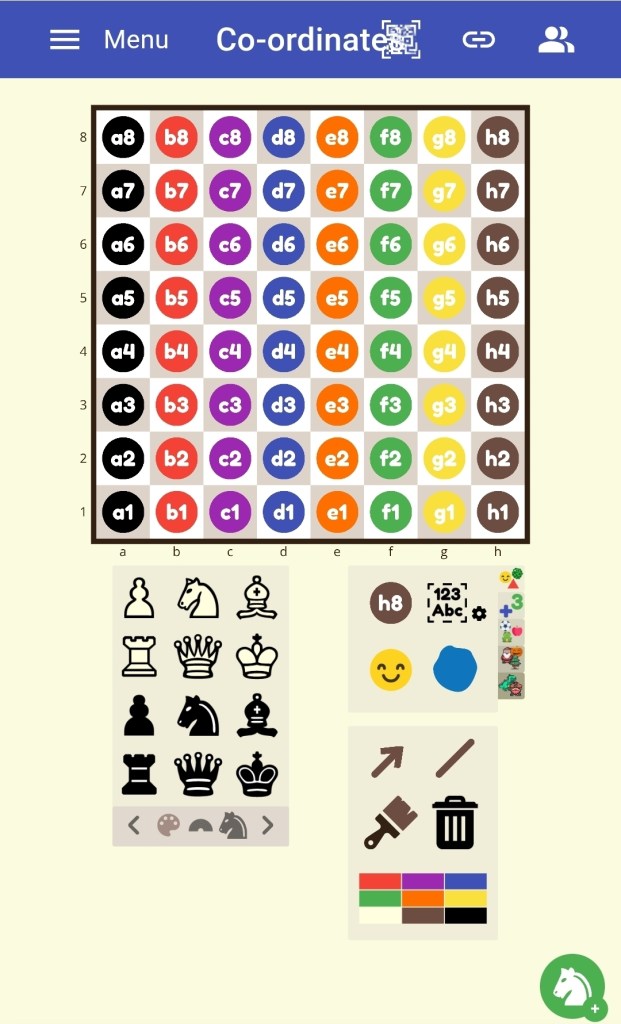
You can now type co-ordinates into a shape of your choice. Use squares, circles, stars, triangles and hearts.
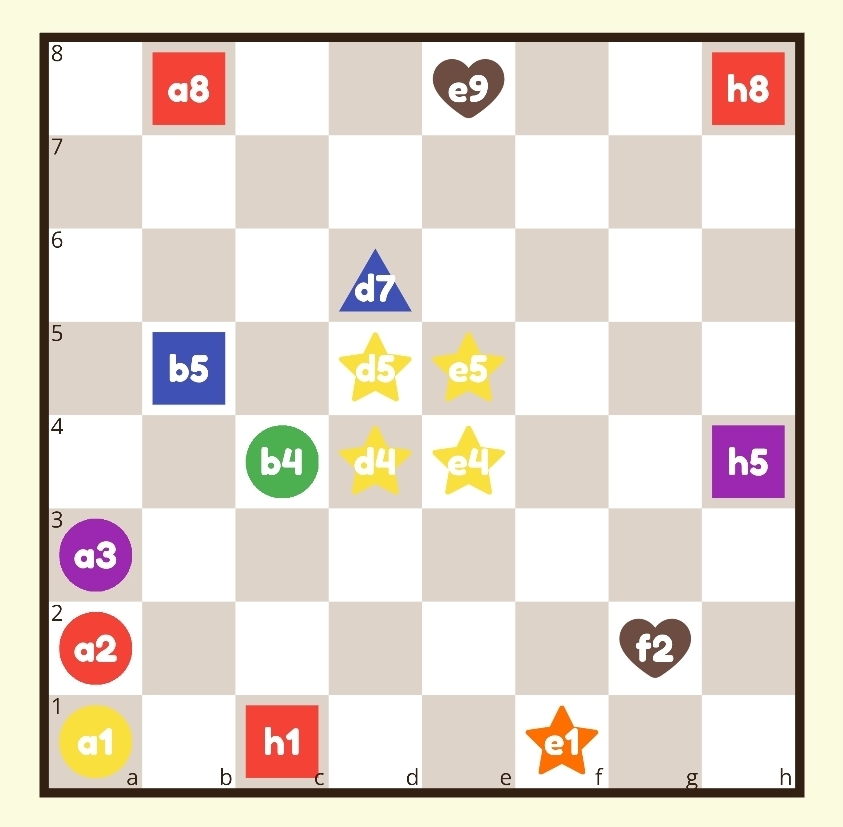
Spot the mistakes
Students may have counters placed incorrectly and they have to put them in the correct positions.
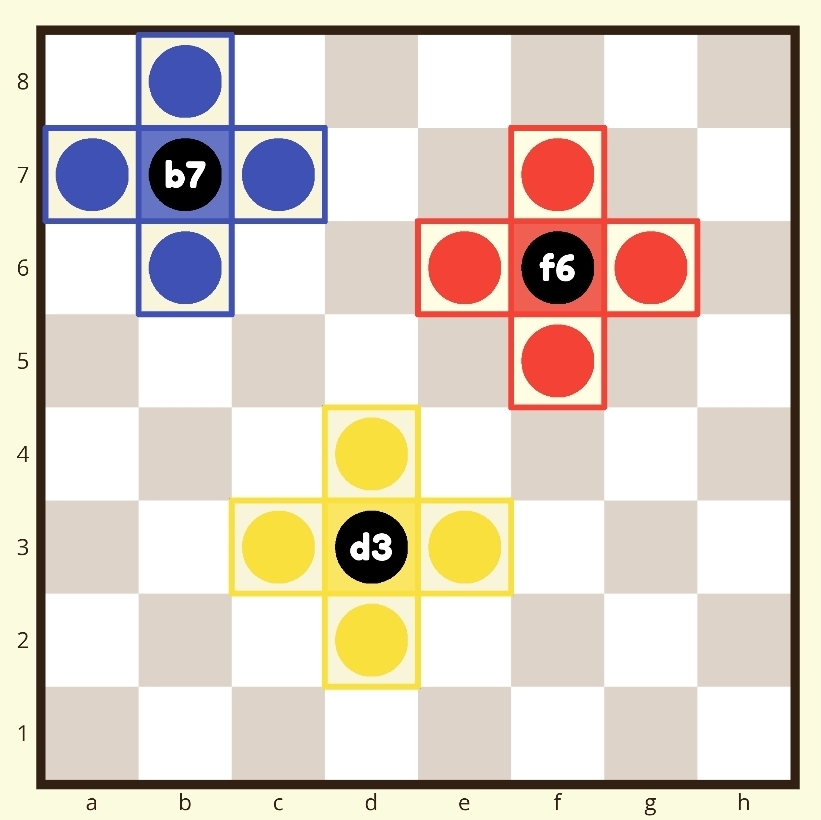
Co-ordinate crosses
In this task, students visualise and say co-ordinates out loud. They begin with calling out the co-ordinates for the horizontal counters, for example, in the blue cross students will say “a7, b7 c7”.
Then, they look at the blue cross and call out the vertical co-ordinates, “b6, b7, b8”
For an extra challenge, you can remove the labels on the x-axis and y-axis from the settings in the menu. You could ofcourse remove the black counters with the co-ordinates too! Make challenges progressively harder for those who are ready.
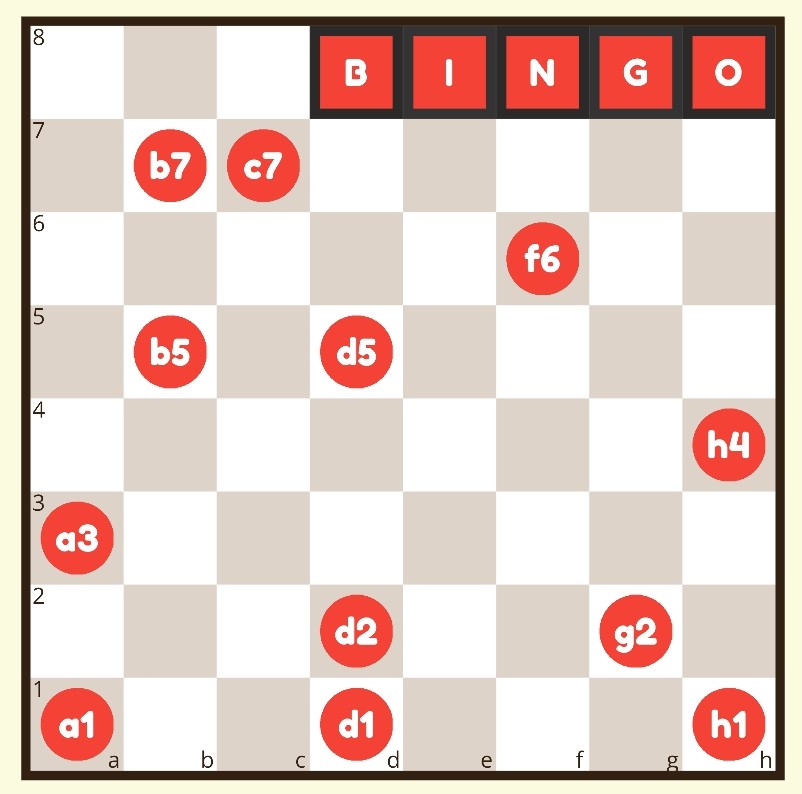
Bingo with labelled counters
When playing Bingo you can display the co-ordinates that were called out. Previously I could only add red counters. Being able to add co-ordinates is so much better as students begin to learn chess notation.
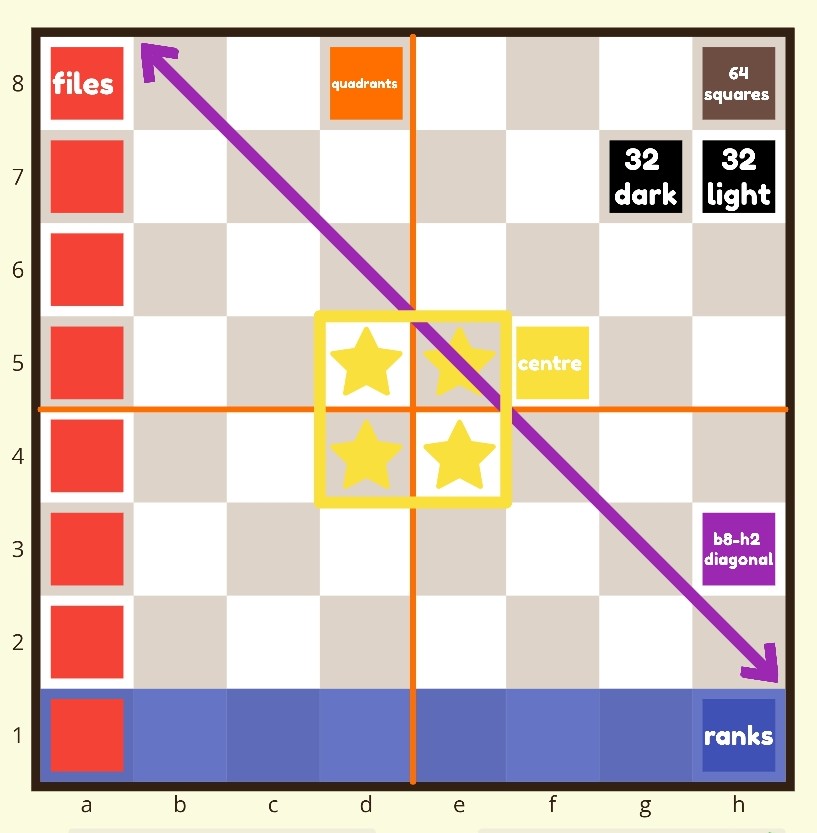
Adding Labels
When teaching about the parts of the chessboard you can add labels for students to read. A great idea for a classroom poster too.
Adding Instructions
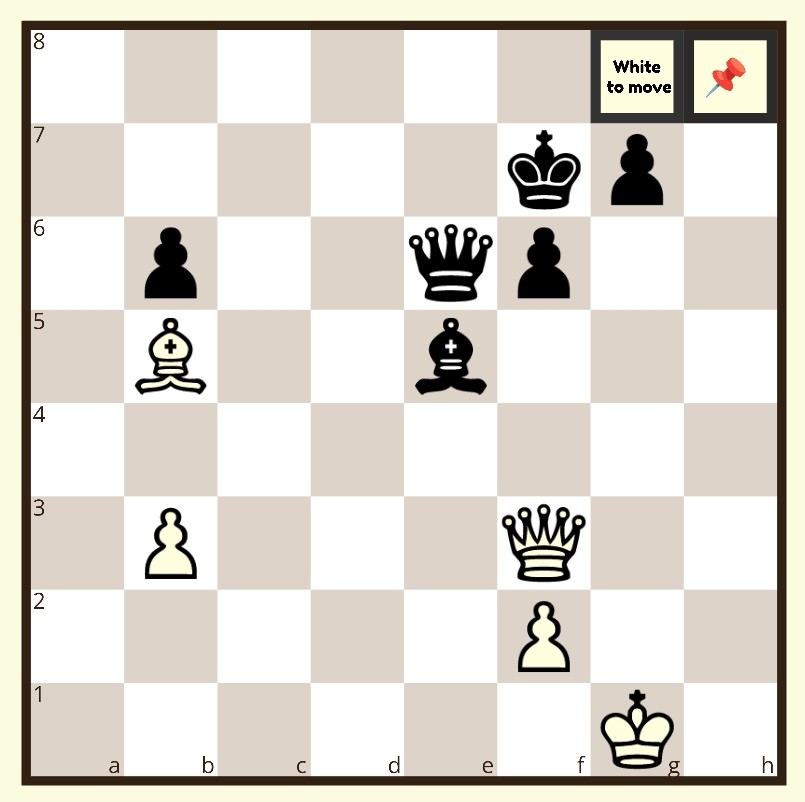
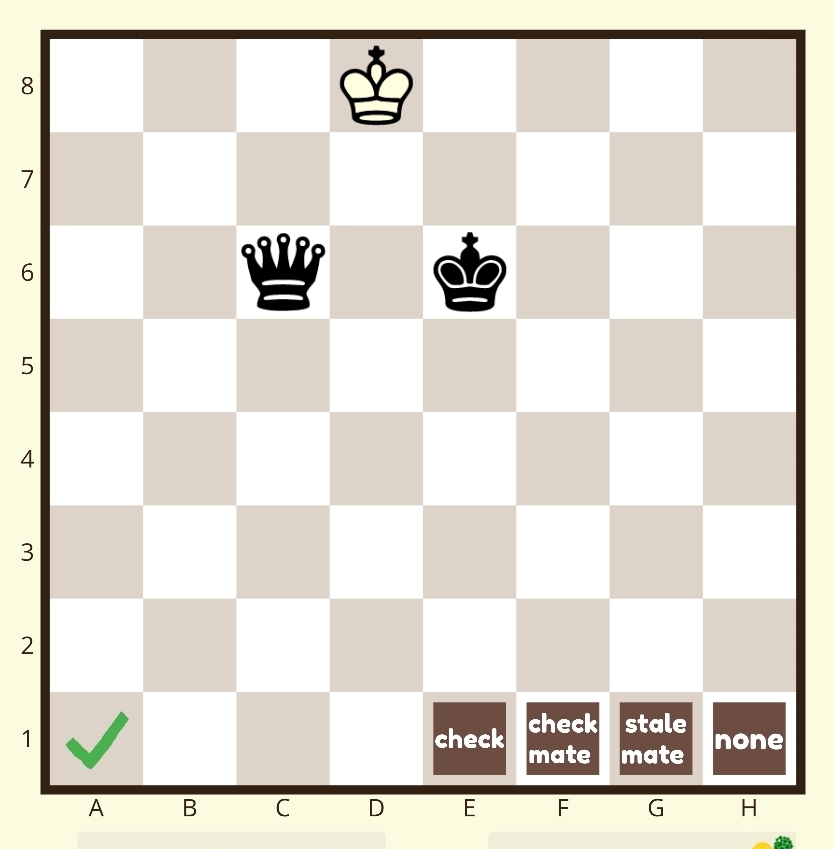
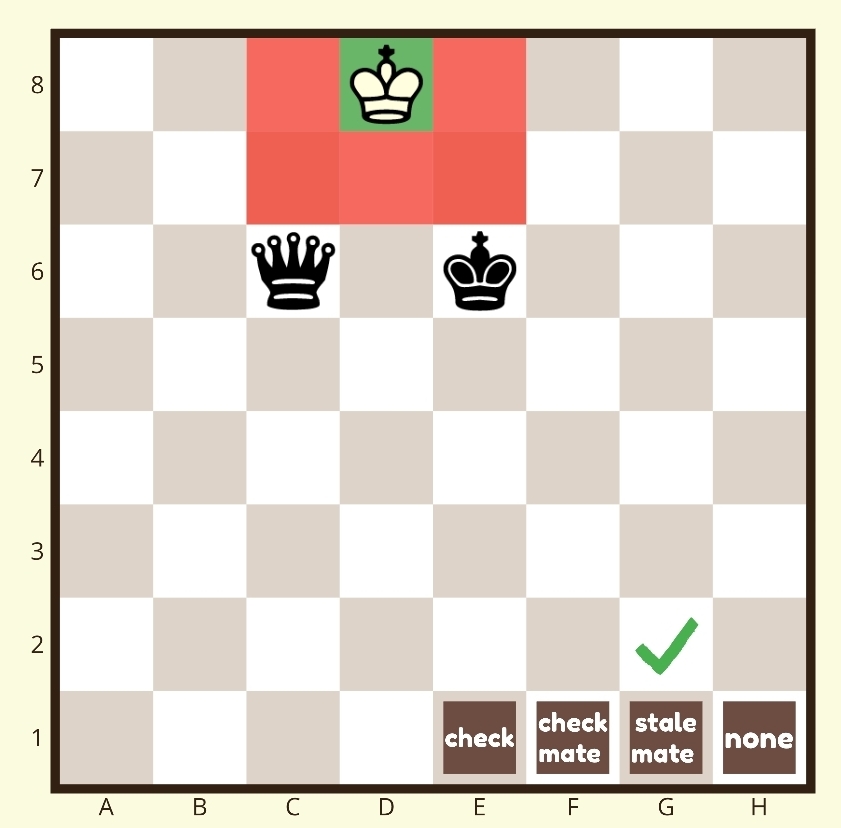
You can also use the texting feature to add instructions. For example, the tasks below can be displayed as a starter for students to solve as they walk into class. Build on the previous lesson’s learning, revisiting puzzles.
The text tells students the task:
White to move and create a fork
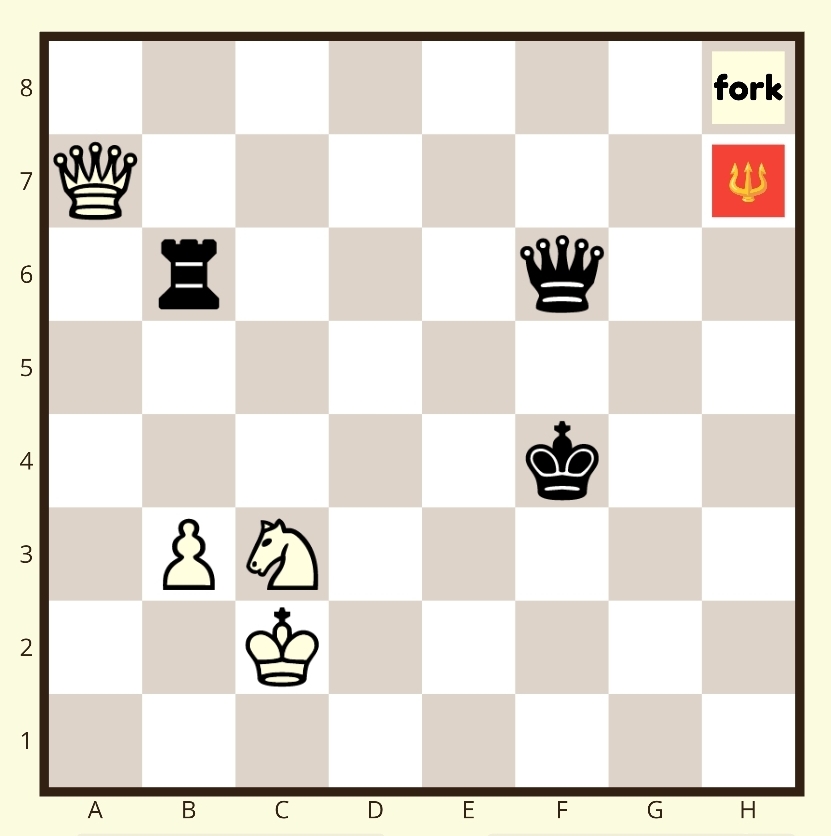
White to move, find the pin 📌
Does the board show check, checkmate, stalemate or none of these?
The Matrix Task with words
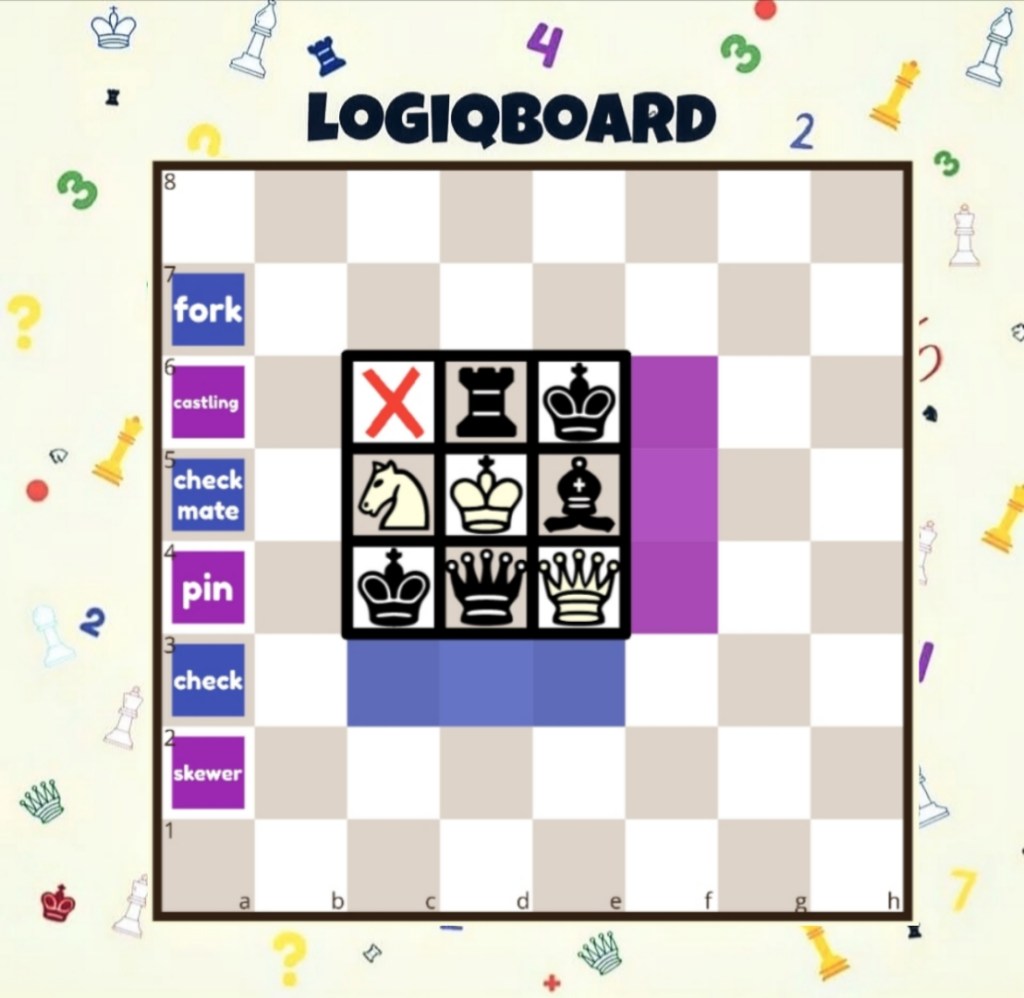
The task below is based on the matrix puzzle I created where students find the total value of chess pieces or where they arrange chess pieces to make the totals correct.
Instead of totals, students have to match the correct word to the chess pieces. The words are colour coded too. Which words are the easiest to begin with? Why?
Students can work in pairs and use real chess pieces to prove their thinking. Problemsolving is part of my chess lessons. My students love these challenges. ❤️
Be creative and create a classroom of Thinkers 💡💬
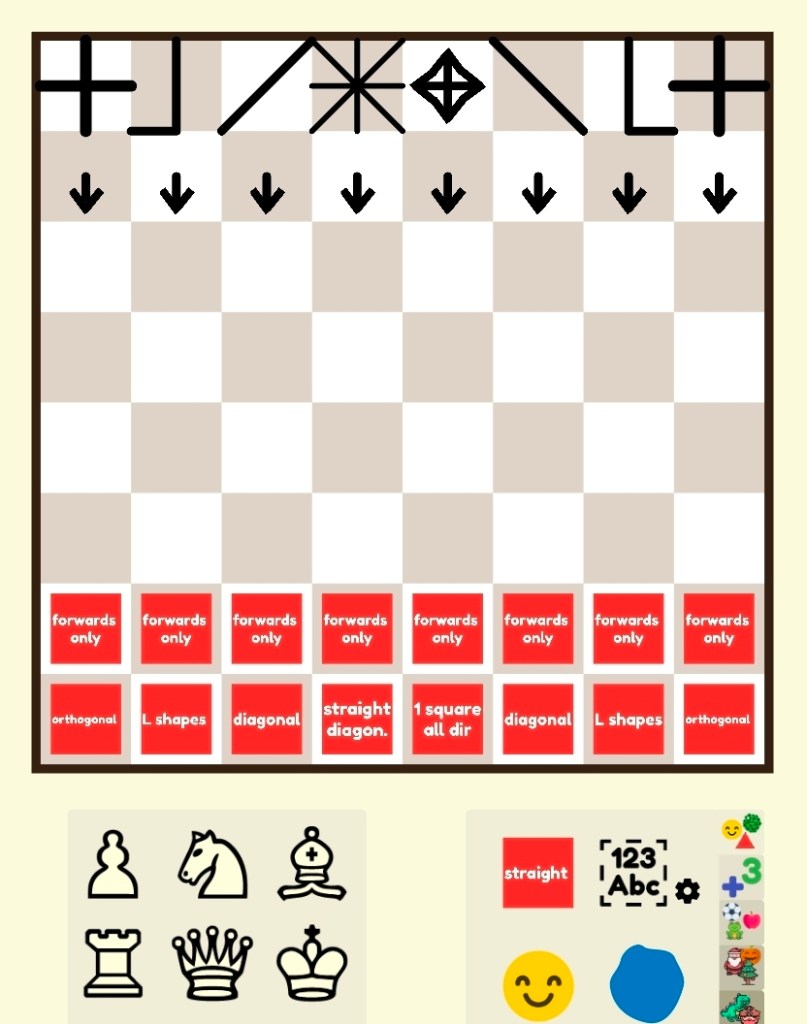
I haven’t yet trialled the task below. I wanted to show you the planning stage. I’d show the board below to my students and give them some thinking time.
What do you think this is?
What do you notice?
I may make up a story about a mean headteacher who has confiscated all of our chess sets. 😮 The headteacher replaced them with these two chess sets.
What types of chess sets are they?
What do they think of them?
Could they come up with their own alternative chess sets?
Directional Vocabulary with Lines and Words
A Final Task from a LogiqBoard fan 🇬🇷
I’m going to finish with one more example. This was shared by a teacher from Greece who was inspired by a Facebook post and explored co-ordinates with his students. Pavlos used Greek letters.
Any language is possible! Thank you Pavlo.
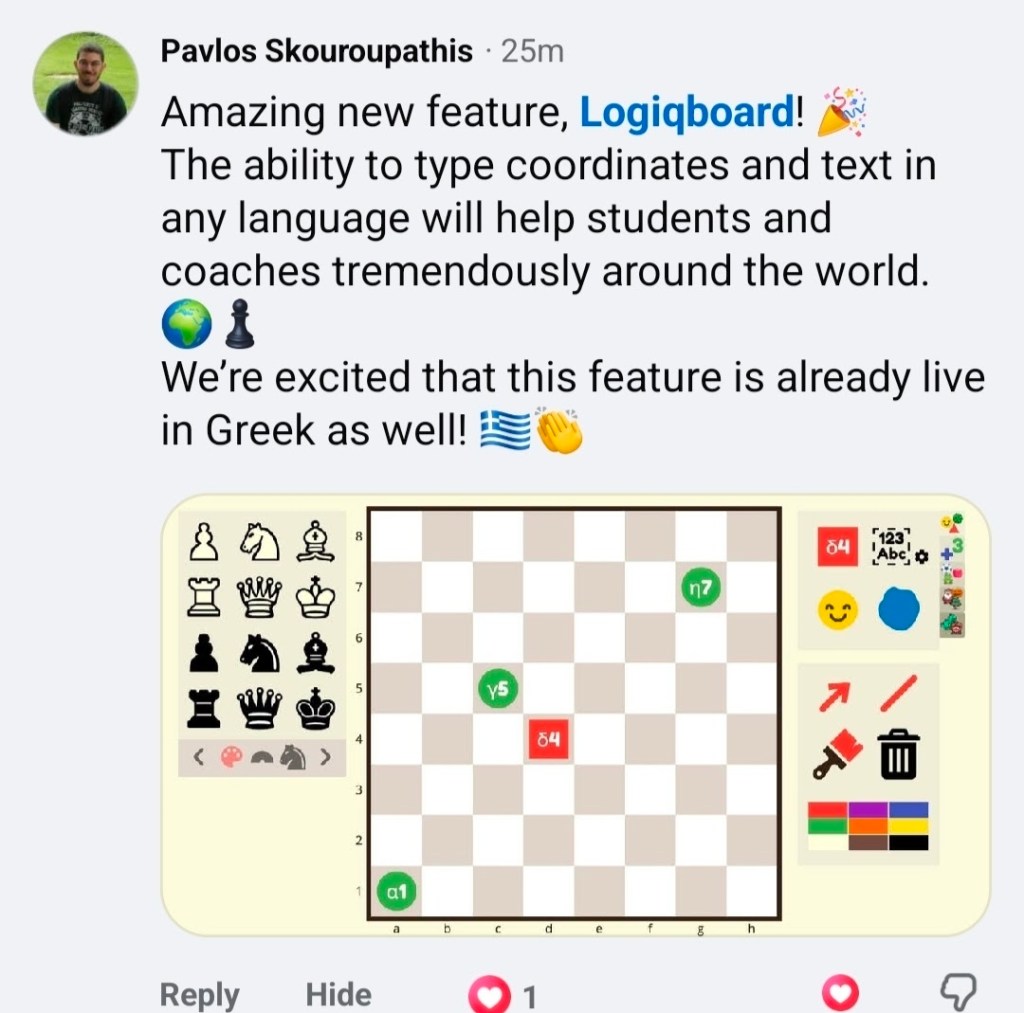
Try Texting on logiqboard.com and tag us 🌟
A trio to finish
I’m going to leave you with three news updates.
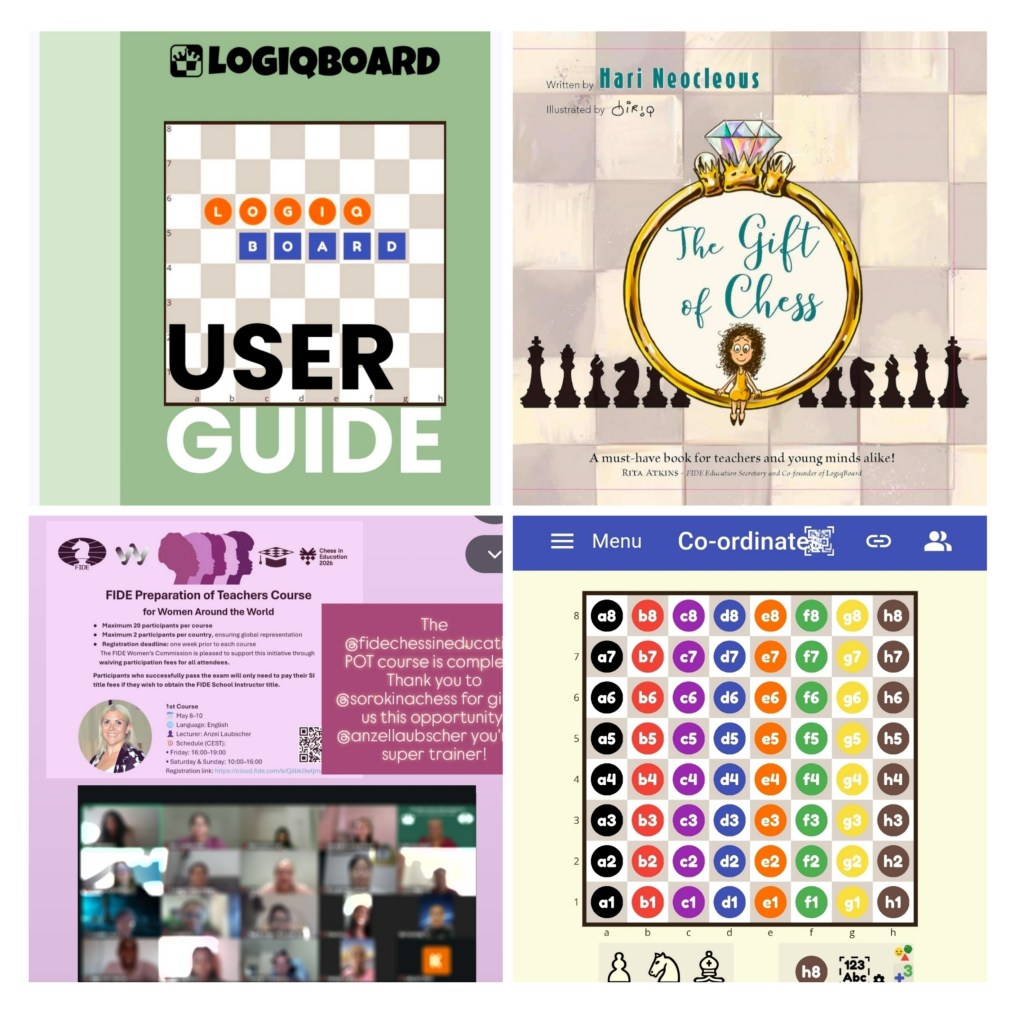
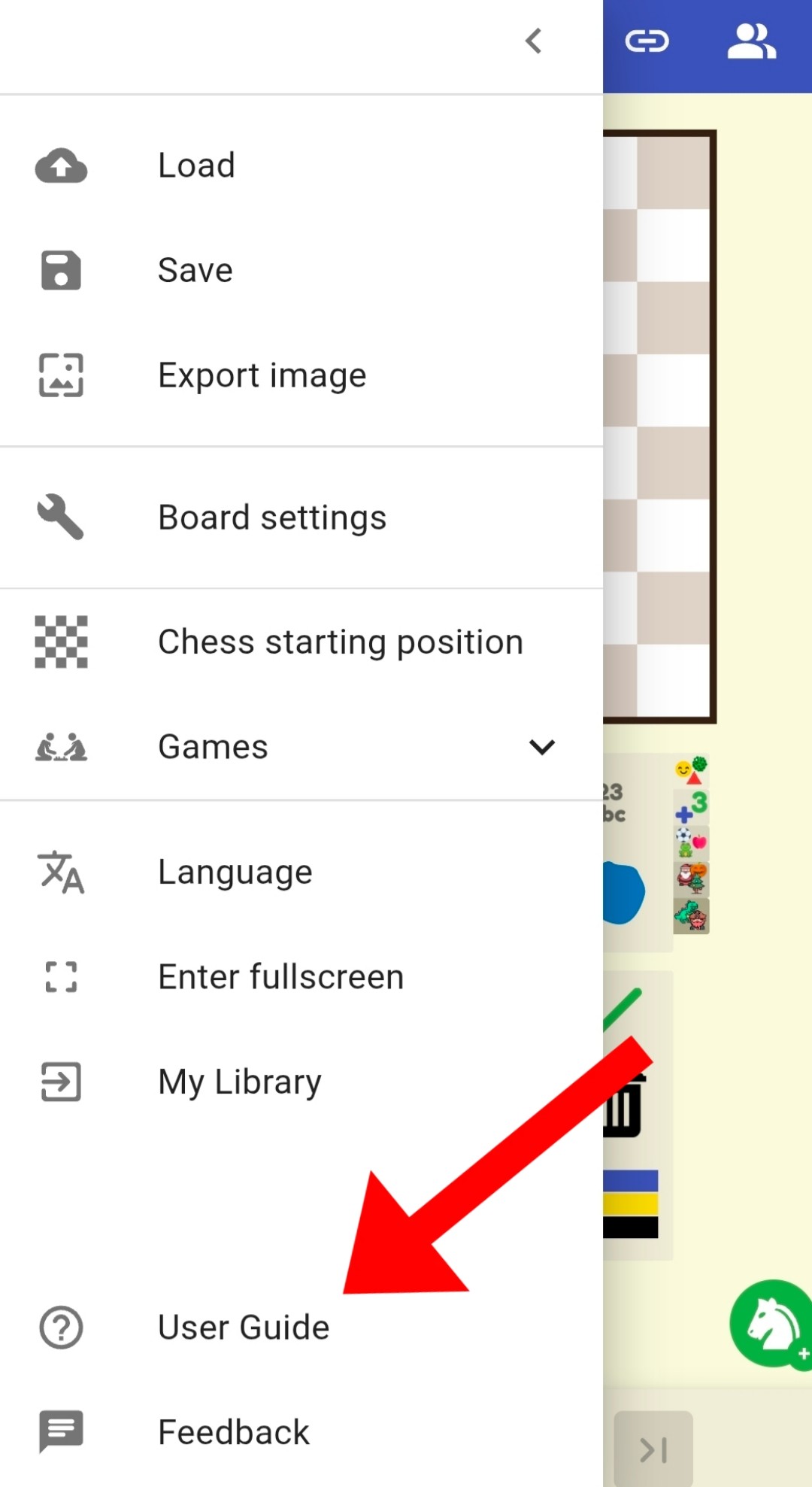
- A LogiqBoard User Guide
We now have a LogiqBoard User guide that tells you everything you need to know about navigating LogiqBoard.
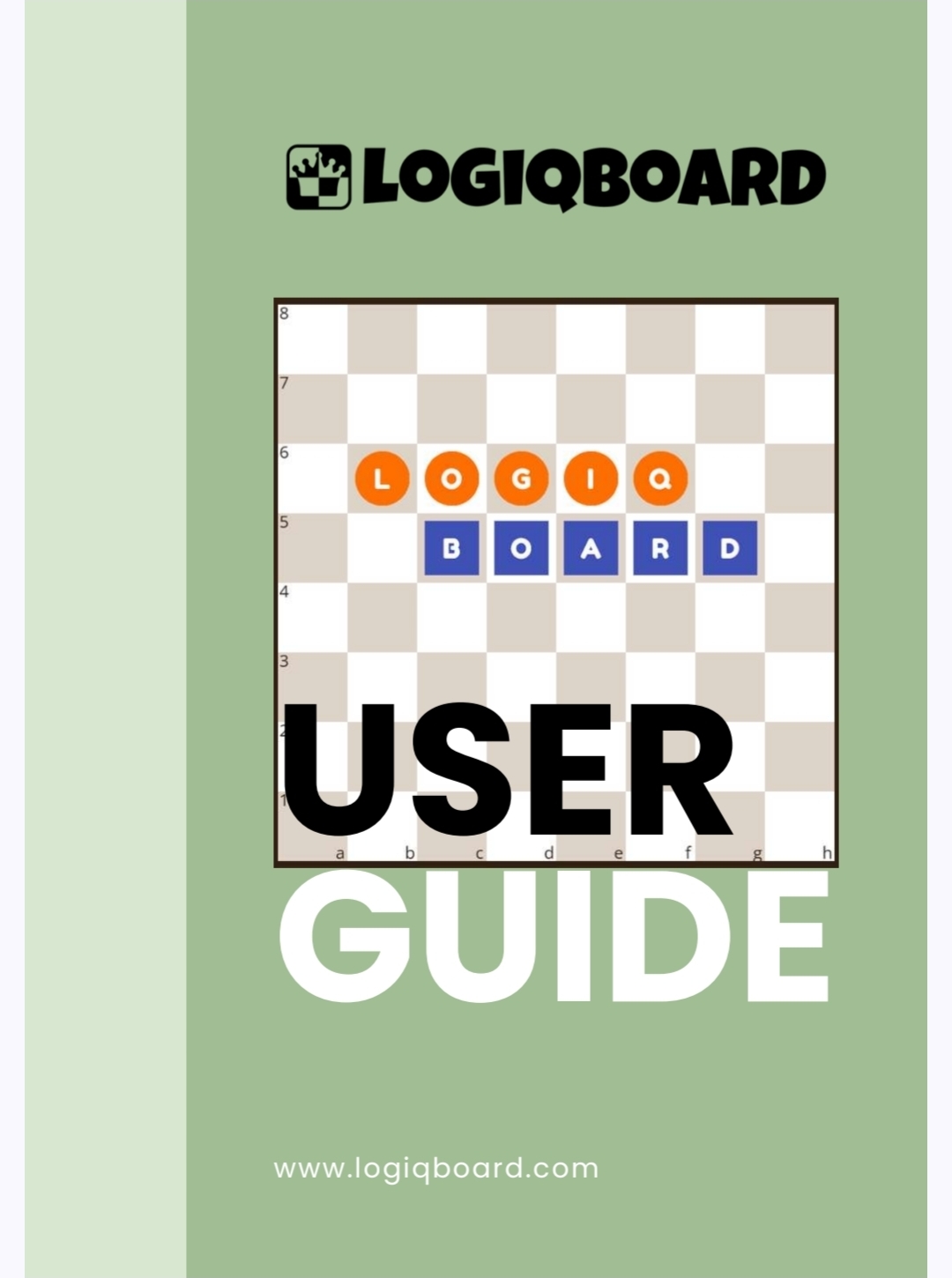
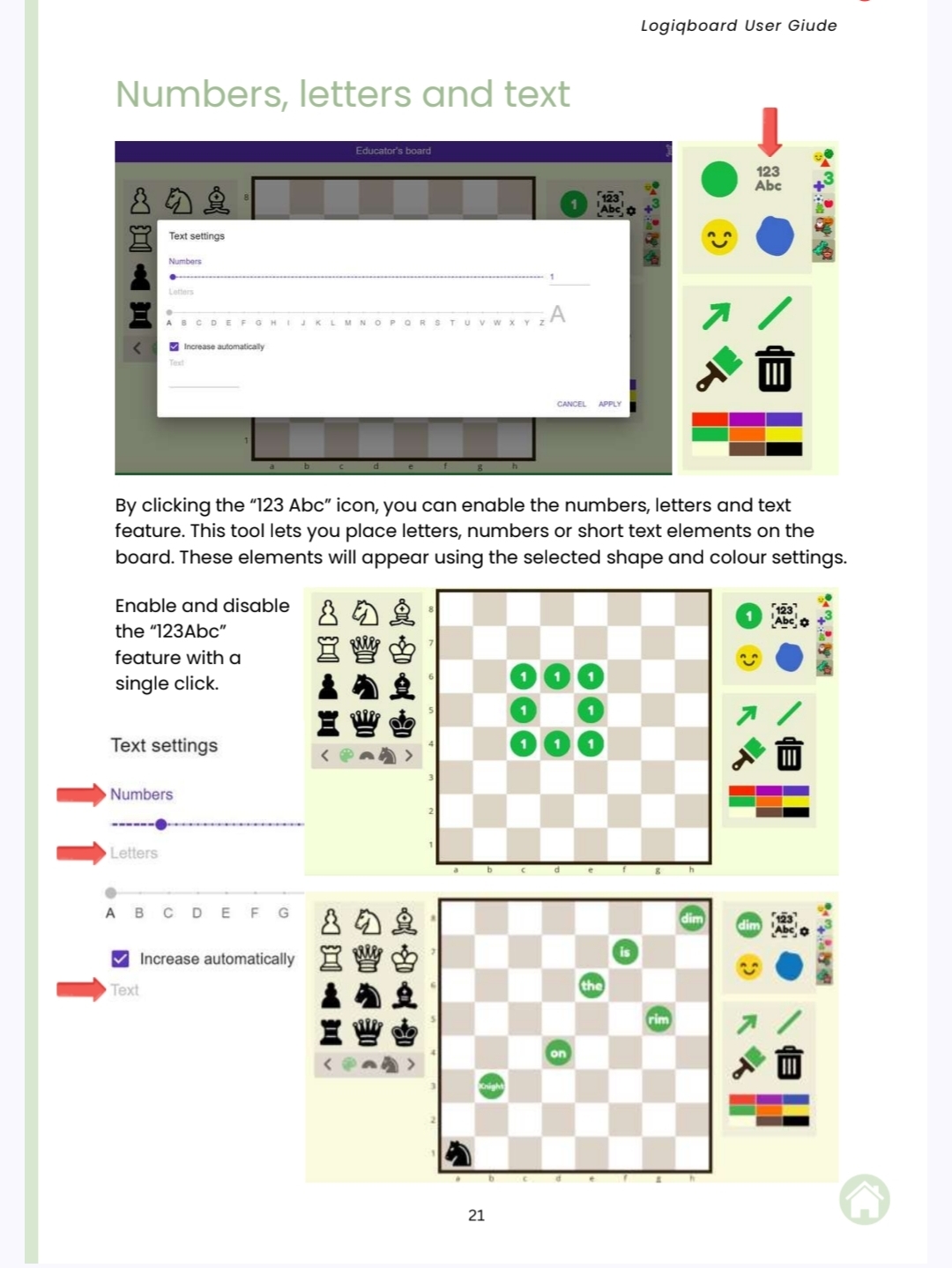
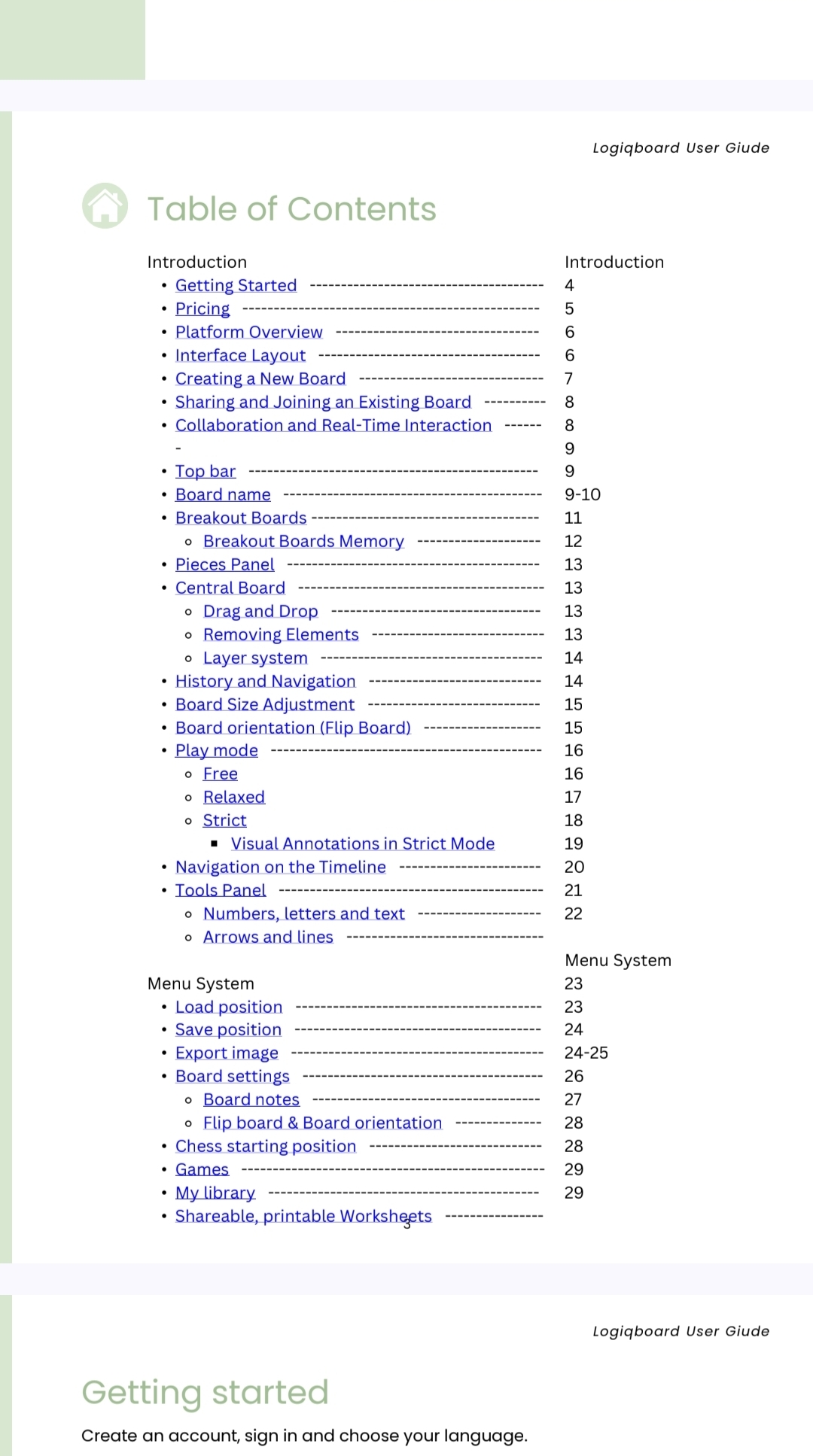
Thank you so much to Brigitta Peszleg who created this excellent manual. Our Rita Atkins also contributed. I’m so lucky to work with these two Hungarian chess queens. Chess in education has never looked so good!
2. Qualified FIDE School Instructor 🎉
I am now a FIDE School instructor. Two and a half days of training flew by with Anzel Laubscher. The course was engaging and informative. Top quality resources before, during and after the course, including access to the Opening Master premium database. I loved the mini-games games and tasks shared. 👏
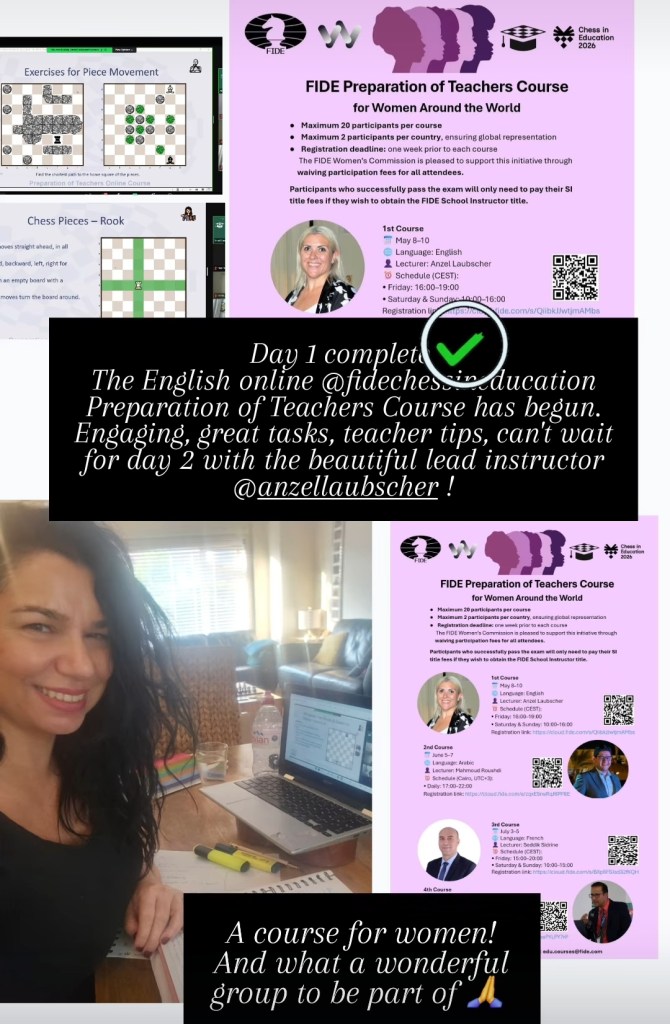
How amazing to see Logiqboard.com in action and see puzzles I created being used by the wonderful women participants. Thank you to the FIDE Women’s Commision for the opportunity.
3. The Gift of Chess 🎁
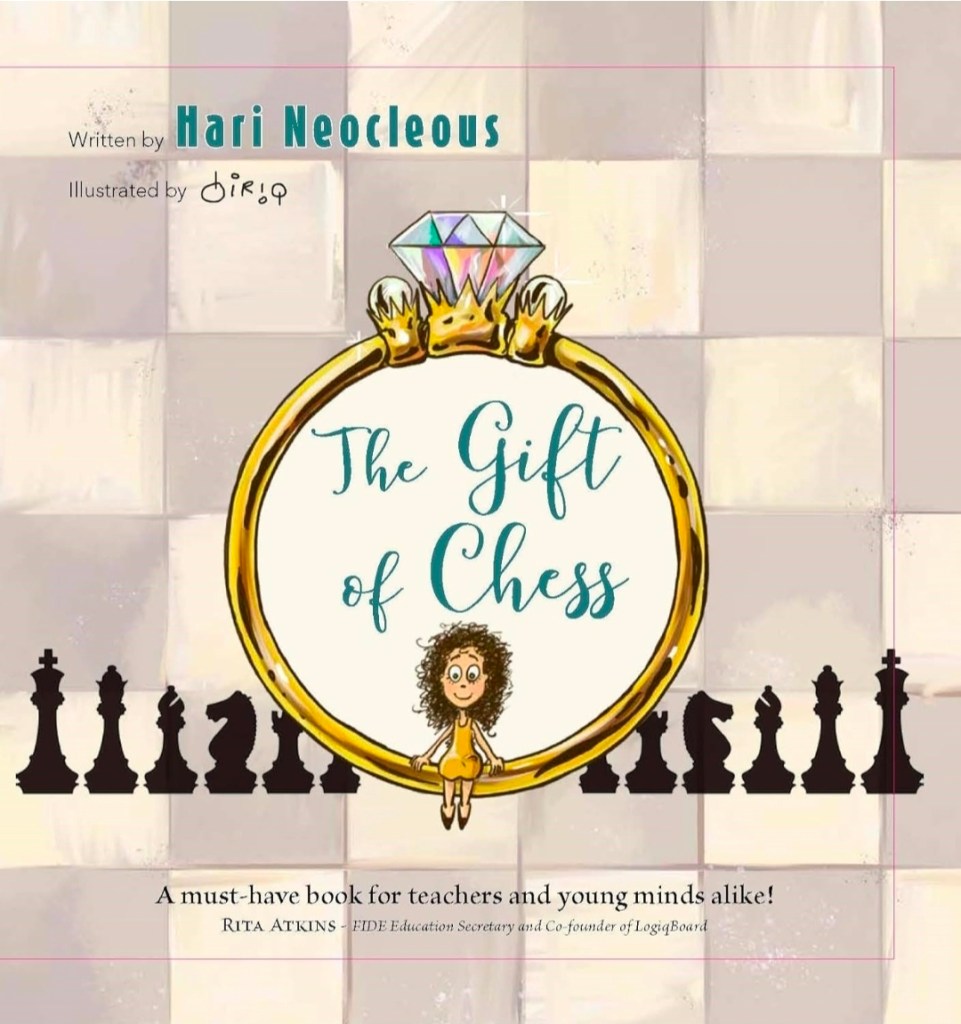
I can now reveal my little children’s book is called The Gift of Chess. It’s being printed this week in Belgium with Thinkers publishing.
Chess in School and Communities 🇬🇧
Chess Fest returns on Sunday 12th July at London’s Trafalgar Square. This year I won’t be based at the teaching tent. Instead, I’ll be with the Chess and Bridge bookshop team sharing my book to the world. I’ve always wanted to work in a little bookshop with tea and cakes. Matt can you build me a cafe corner by the fountain?
😉 🫖 🍰
Exciting times ahead…
Hari x

